Build an app with AI.
Describe it, get one that works.
Describe it in a sentence. Refinar builds it with sign-in, pages and a database.
Or start from a template
Each template is an app that already runs, shown here with sample data. Pick one and describe what yours needs.
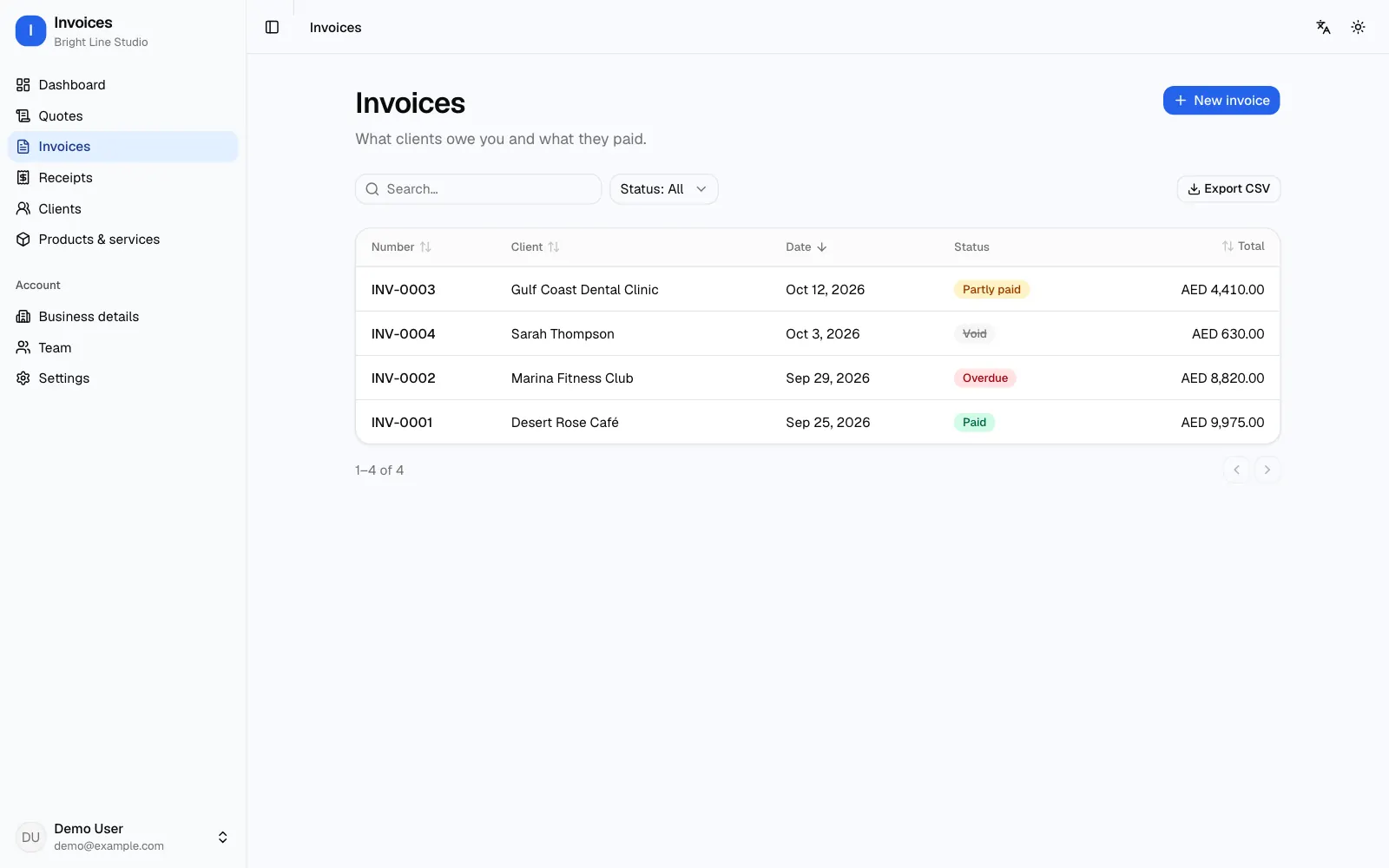
Invoices, quotes and receipts
A free invoice generator that becomes your own invoice app: clients, quotes, invoices, receipts and what is still unpaid.
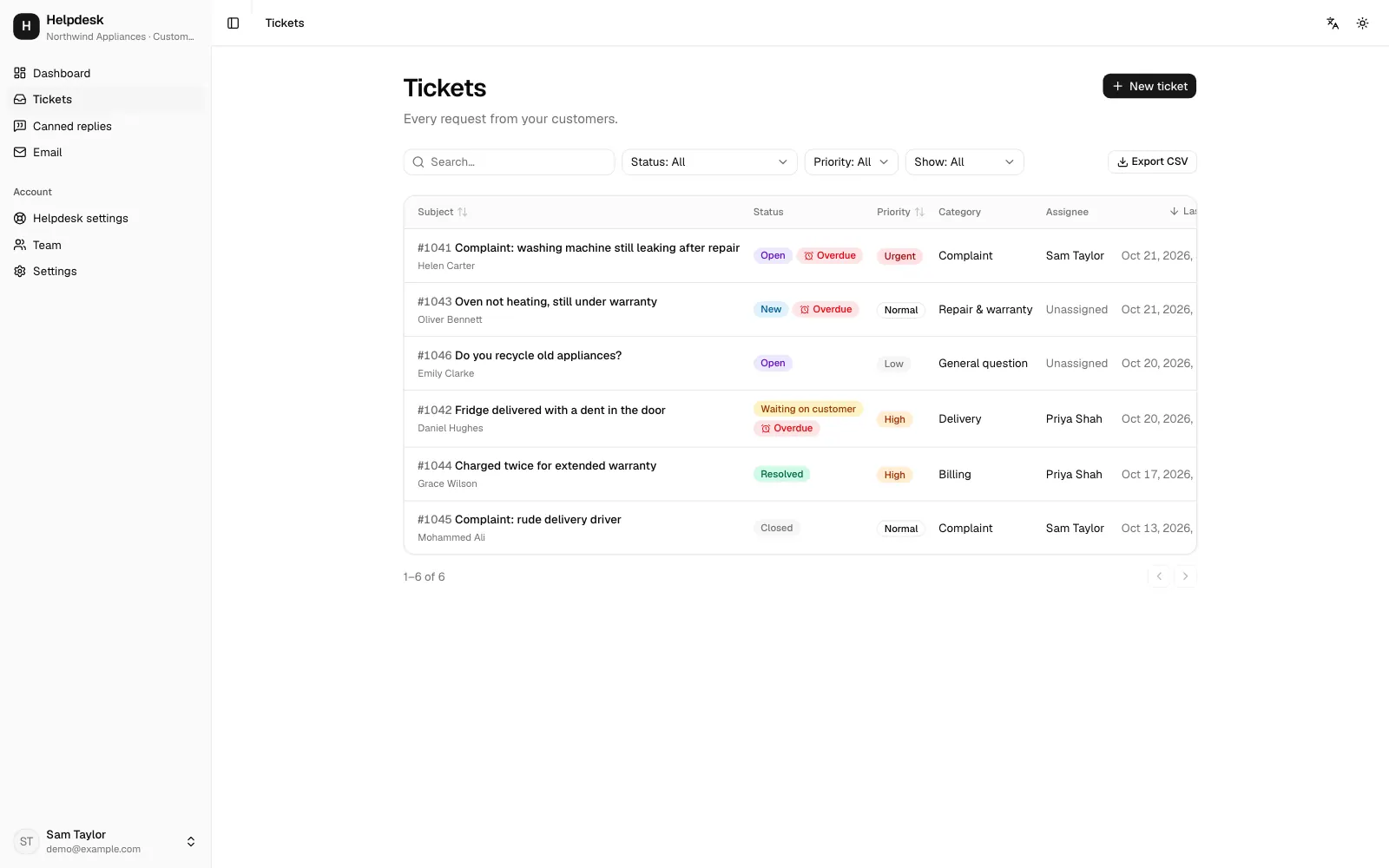
Complaints and support tickets
Numbered complaints, internal notes, response deadlines, canned replies and a customer portal.
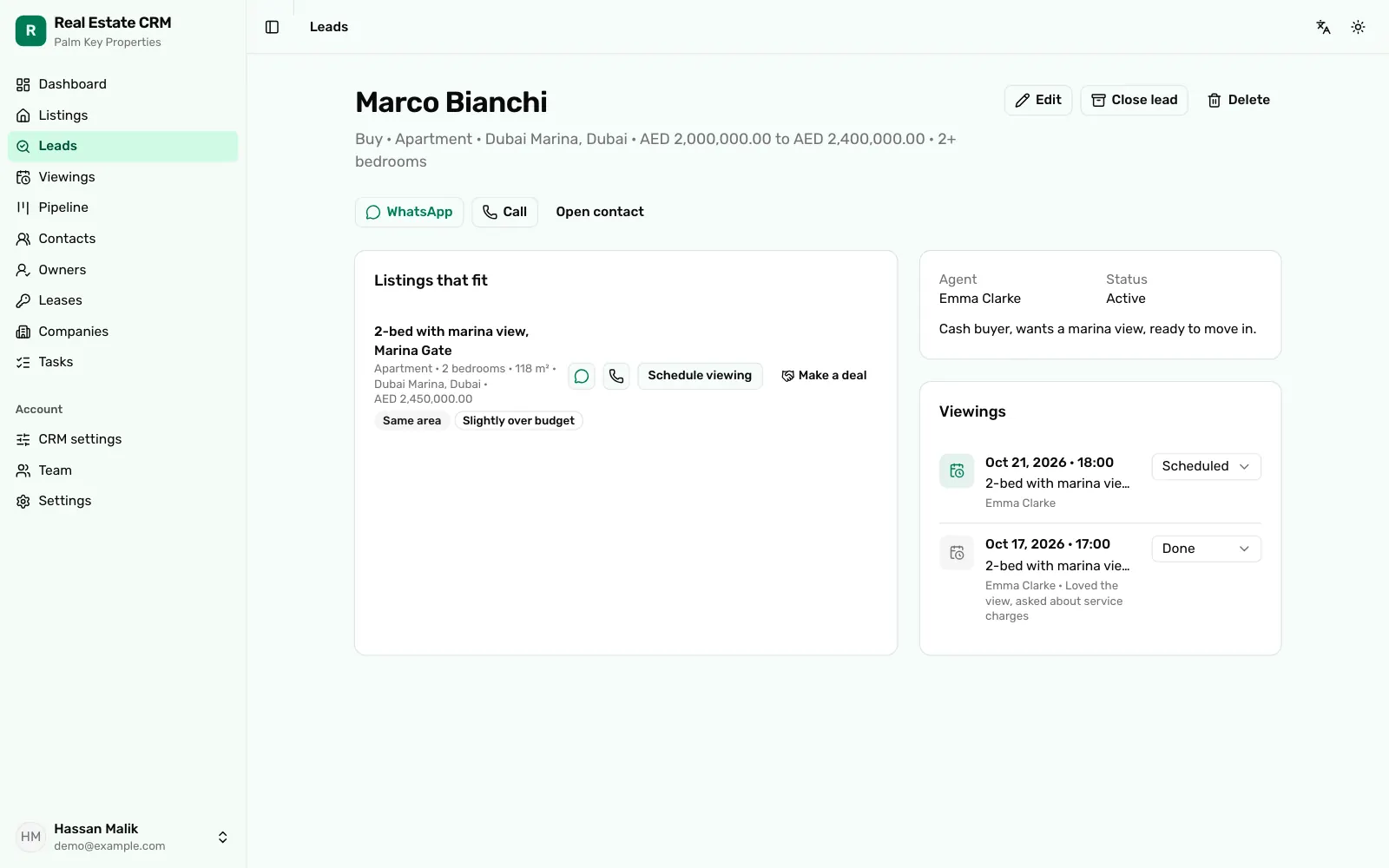
Real estate CRM
Listings and owners, leads matched to listings, viewings and leases, for an agency.
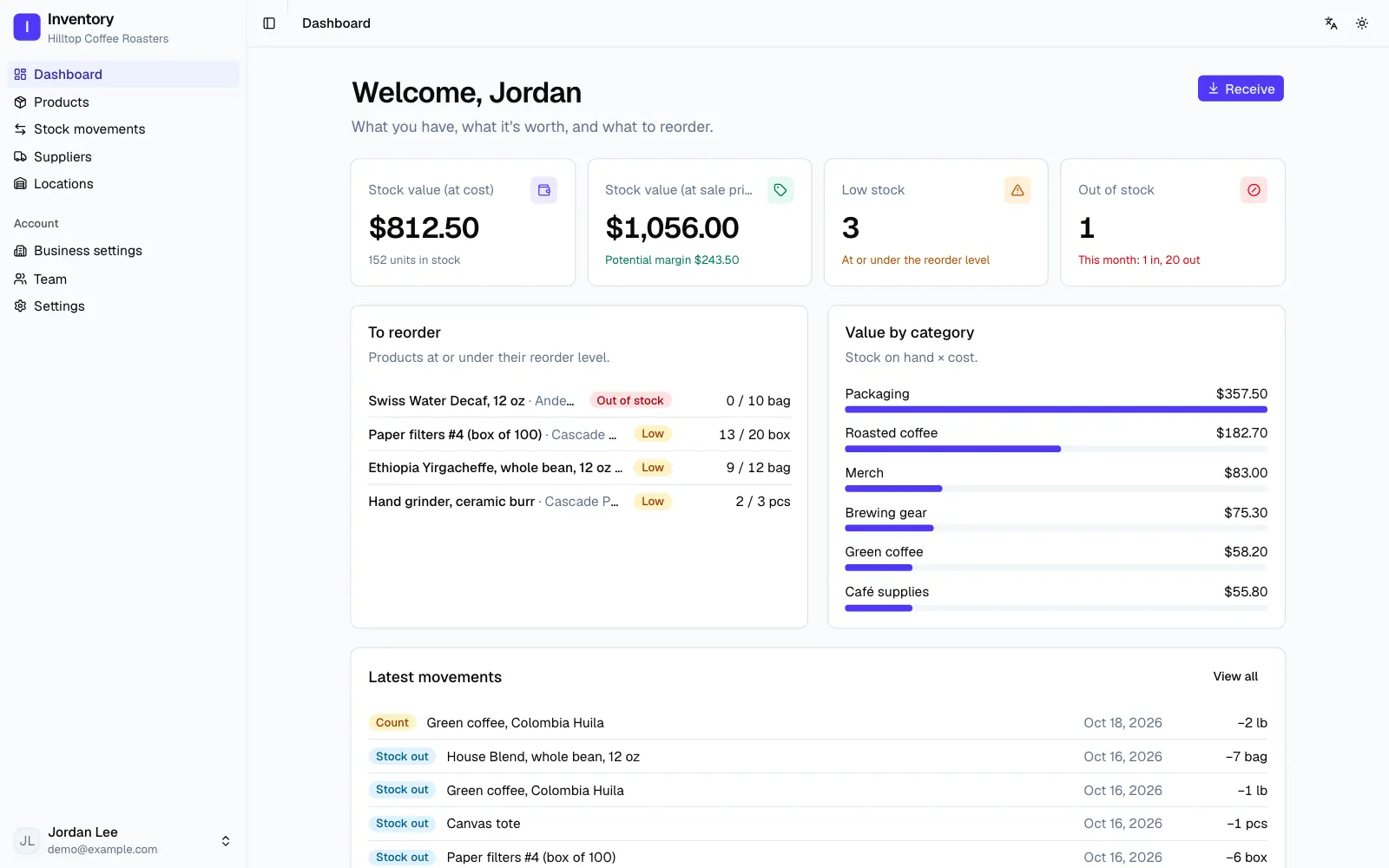
Inventory & stock control
Products, stock in and out with history, low-stock alerts, suppliers and several locations.
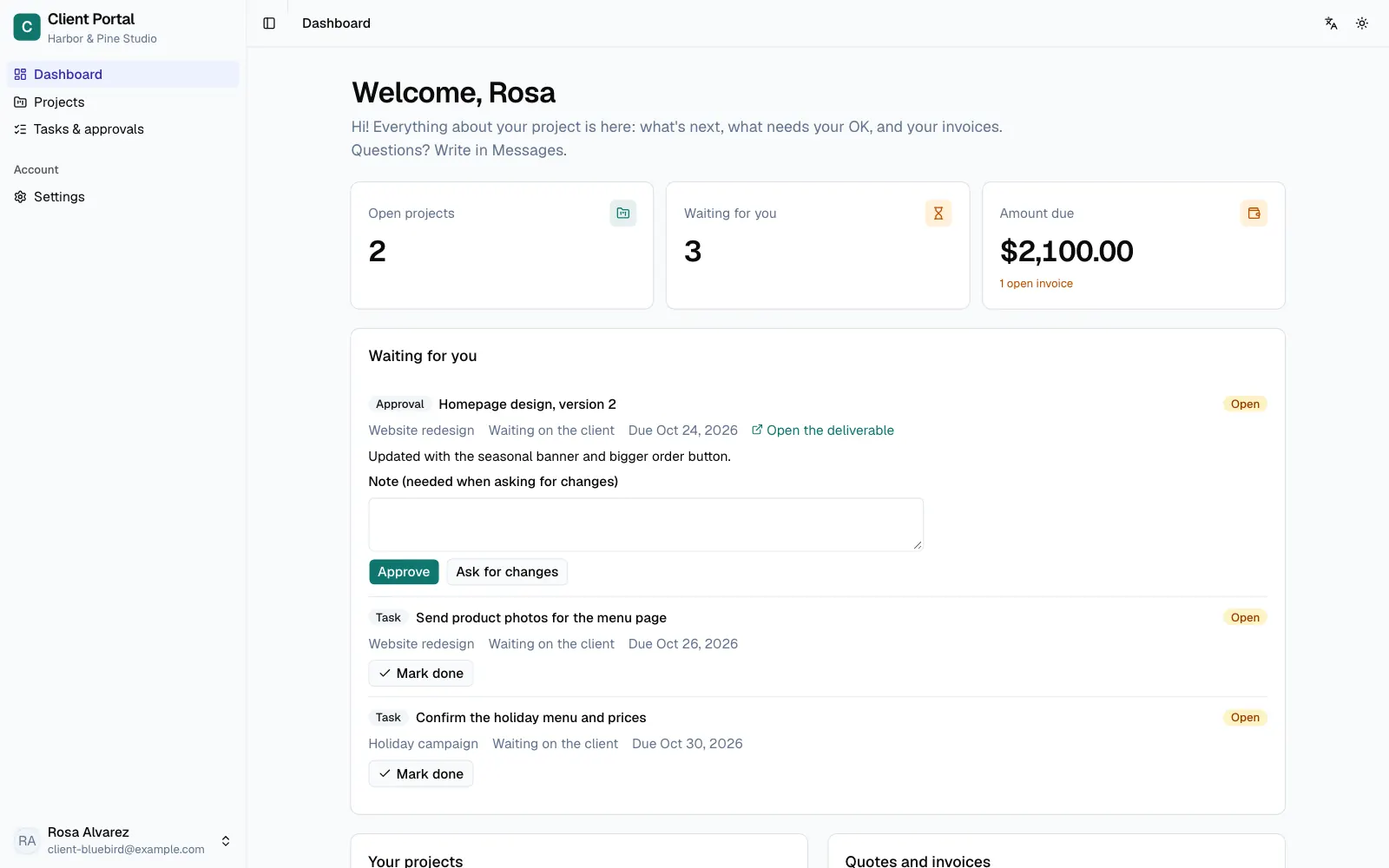
Client portal
A branded portal where each client follows their projects, approves work and checks invoices.
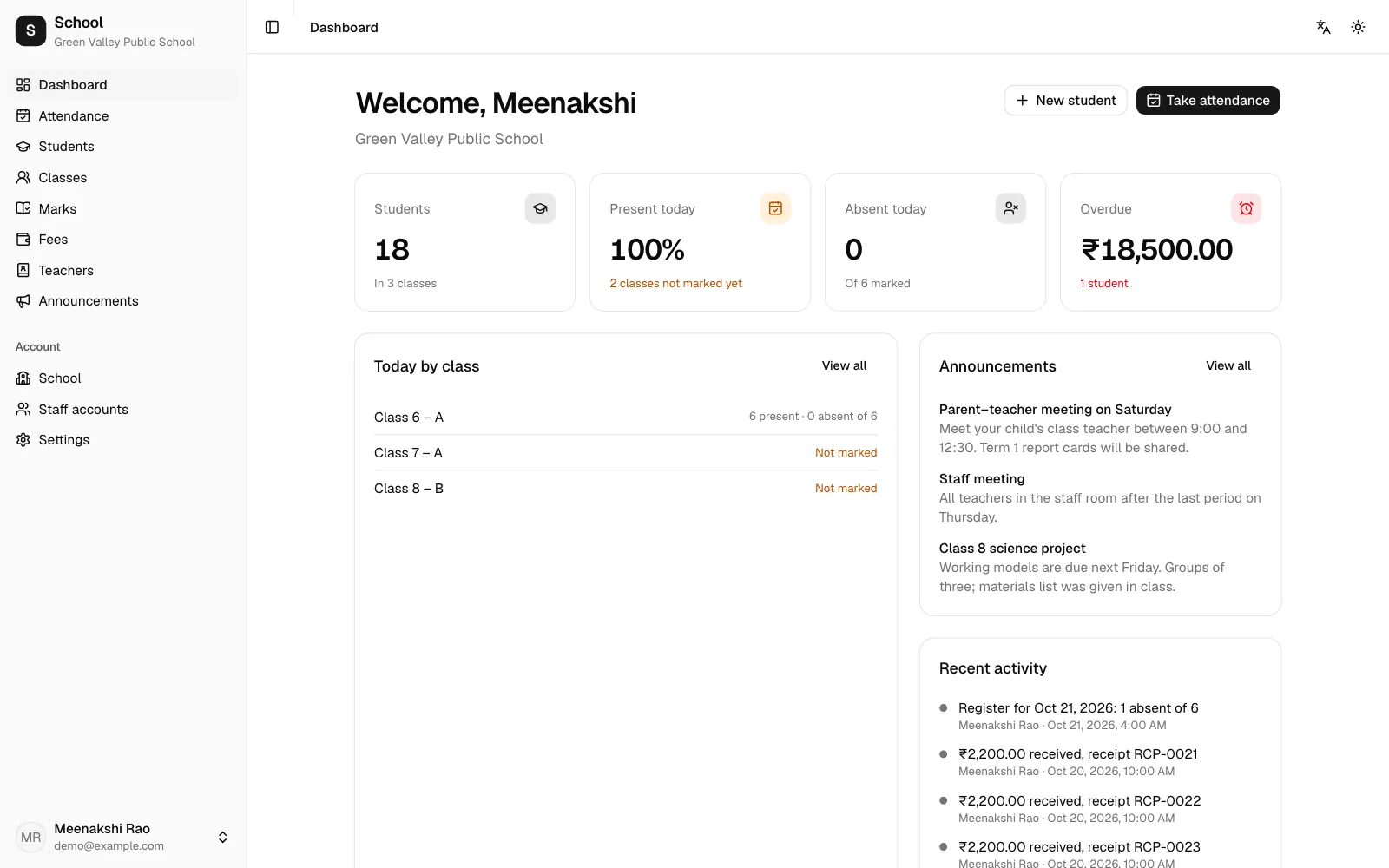
School management
Attendance, marks and report cards, fees and a parent login that shows each family only their own children.
How the AI app builder works
1. Describe the app.
Say who uses it and what they need to do, in plain words. A sentence is enough to start; more detail gets you closer on the first try.2. See it running.
A preview of your app is running in about a minute, with sign-in, its pages and its own database. Refinar keeps building what you described while you watch.3. Change it by describing it.
Ask for the next thing the way you would ask a person: a new field, another page, different colours. Each change runs the app's checks before you see it.
A real app, not a mockup
Yours when it goes live.
Every app is ordinary code on GitHub, where most apps keep their code, with a standard Postgres database, so nothing ties it to Refinar. When you go live, the code moves to your own GitHub account.More than one language.
Ask for the languages your users read. The base app already has English, Arabic, Spanish, French, German and Portuguese, and Arabic pages run right to left.Checked after every change.
After each change Refinar runs the app's checks. When one fails, it fixes the problem and runs them again without being asked.Questions about building an app with AI
Do I need to know how to code?
No. You describe what you want in plain words, and Refinar writes the code, runs it and shows you the result. A developer who joins later finds ordinary code to work on.
What kind of app does it build?
A web app that opens in the browser on phones and computers, with sign-in, pages and its own database (standard Postgres, so any developer can work with it). It is not published to the App Store or Google Play.
How long does it take?
The preview is running in about a minute. Refinar then builds what you described, which usually takes a few minutes, and runs the app's checks when it is done.
Who owns the app?
While you build, Refinar holds the code and the database. When you go live, the repository moves to your GitHub account, and the database is standard Postgres, so its data can go wherever the app goes.
Can the app be in Arabic or another language?
Yes. Say so in your description. The base app has English, Arabic, Spanish, French, German and Portuguese, and Arabic pages run right to left.
How much does it cost?
Building and changing an app use credits from your plan. Plans start at $25 a month, and the pricing page lists every plan.
I already have an app. Is this the right page?
This page is for starting a new app. To change an app you already have, connect its GitHub repository from the home page instead.