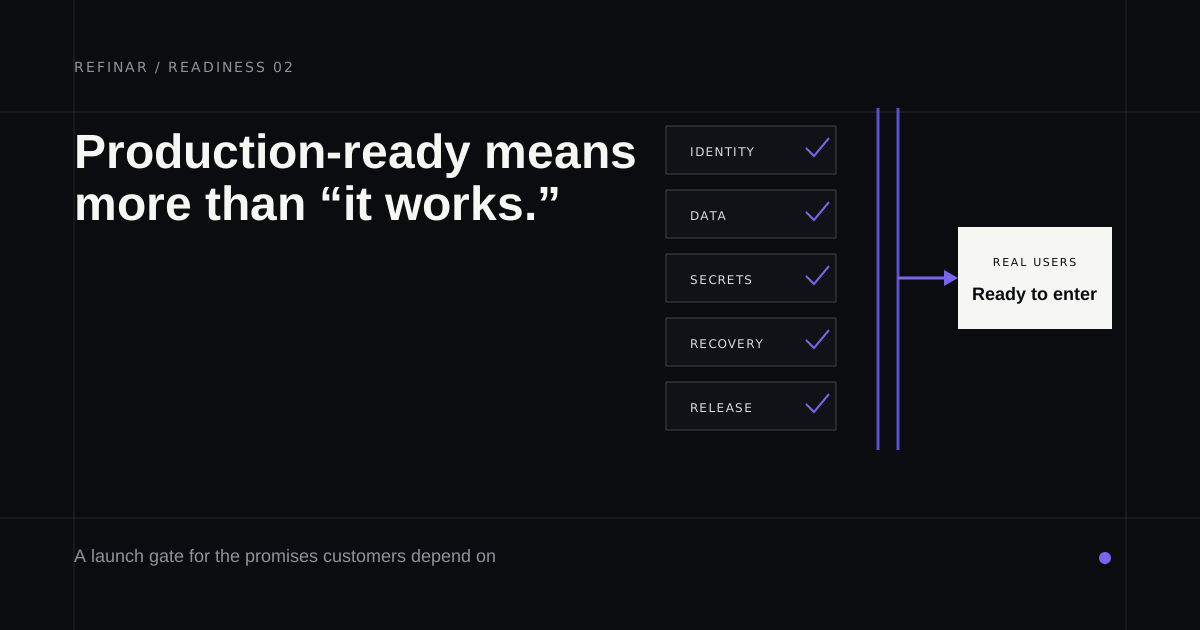
Most web app security checklists assume a team that designed its own backend. If Lovable or an agent in Cursor wrote yours, the weak points sit elsewhere. The browser talks straight to the database, and the admin page is whatever the AI decided it should be. This checklist follows where AI-built apps actually fail, before or after go-live.
It covers security only. Search indexing, metadata, broken links, legal pages and email records belong to the website launch checklist, which loads your site and checks those for you. And if the app is on GitHub and the people changing it don't code, the last section explains how Refinar stops sign-in, payment and data changes from going live without a developer.
Keep two accounts you control and the dashboards for your database and payments open while you work. Anything you can't tick in the first two sections is a reason to pause sign-ups. The order loosely follows the OWASP Top 10:2025, which ranks broken access control first and security misconfiguration second.
1. Who can read and change your data
For a Supabase app this is most of the job, because whatever the browser can do, a stranger holding the same public key can do too.
- Row Level Security is on for every table in the
publicschema. Supabase's Security Advisor flags a table without it as "Table publicly accessible", meaning anyone with your project URL can read and rewrite its rows. - No policy on private data uses an always-true condition such as
using (true). The Advisor warns about these as "Security policy allows unrestricted access". - Policies cover the
anonrole (signed out) and theauthenticatedrole (signed in) for every operation your app performs. - Views over private tables have been checked. Postgres views skip RLS by default, and the Advisor reports them as "View bypasses row-level security".
- Storage buckets holding customer files are private. In a public bucket, anyone with a file's URL can open it.
- With two ordinary accounts, changing a record ID in the address bar never shows the other account's data.
Supabase's own production checklist opens with the same demand and points you to the Security Advisor to find the gaps.
2. Keys and secrets
- Only the publishable key (
sb_publishable_, or the legacy anon key) reaches the browser. The secret key and the legacyservice_rolekey bypass RLS and belong on a server or in an edge function. - Your published JavaScript contains no
sk_live,sb_secret_orservice_rolestrings. The broken-app check searches it for you. - You know which environment variables are public by design. Prefixes such as
VITE_andNEXT_PUBLIC_get baked into the bundle, and this checker covers the other frameworks. - Test and live keys are separate and clearly labelled.
- Someone knows how to rotate a key. Supabase's API key guide says to fix the cause of the leak first, then swap in a new key everywhere, then delete the old one.
- The legacy anon and
service_rolekeys have a replacement date, since Supabase is deprecating them by the end of 2026.
Found a key and not sure which kind it is? The Supabase key checker tells you without the key leaving your browser.
3. Sign-in and permissions
- Admin pages and admin actions are checked on the server. A hidden button isn't a permission.
- Passwords are never compared in browser code. Wiz's research on vibe-coded apps found apps doing exactly that.
- Internal tools require sign-in, even if nobody outside knows the address.
- Email confirmation is switched on (Authentication > Providers in Supabase).
- Leaked password protection is on. Supabase offers it on the Pro plan and above, and in Lovable Cloud it's the Password HIBP check.
- Password reset and OAuth redirect addresses use your production domain.
4. Payments and webhooks
- The server decides prices and what each plan grants. Anything the browser sends can be edited.
- Payment webhooks verify their signature. Stripe's webhook docs warn that without verification, an attacker can send fake events that fulfil orders or grant account access.
- The same event arriving twice can't double a credit or an order. Stripe suggests logging the event IDs you've already processed.
- Refunds and declined cards have been run through test mode as well as the successful checkout.
5. Dependencies and the accounts behind the app
- Packages with known critical vulnerabilities have been updated (
npm audit, or Lovable's dependency audit). - Multi-factor authentication is on for GitHub, the database, hosting, payments and your domain registrar. Supabase notes that if you sign in with GitHub, that account holds admin rights over your Supabase organisation.
- A second trusted person is an owner on each of those accounts.
- Backups exist somewhere you can reach. On Supabase's Free plan they aren't downloadable.
If you built it with Lovable
Lovable's security docs describe two scans. The Quick scan runs automatically every time you publish. It looks for tables without row-level security, rules that let everyone through, leaked password protection switched off, vulnerable dependencies and an MCP server open without sign-in. The Deep scan reads your application code for access-control and payment problems. It usually takes 3 to 13 minutes and costs nothing, but it doesn't start by itself, so run it from More > Security before launch and after any large change.
Fixing findings draws on 10 free fixes, each returning 24 hours after you use it, and further fixes cost credits. Business and Enterprise workspaces also get a Security center that shows findings across every project. Lovable's docs say plainly that these tools can't guarantee complete security, which is the right way to read any green tick.
After go-live
A ticked list goes stale the moment a change touches a policy or a key. Re-run the first two sections after any change to sign-in or the database, and treat those changes differently from copy and layout. The evidence behind these items is in vibe coding security risks.
Refinar builds that separation in. A requested change involving sign-in, payments or customer data isn't published automatically. Refinar does the low-risk part and passes the remainder to a developer with a written brief, either yours or, if you have none, a developer at Refinar, who gets it within 4 hours on business days. Every other change can still be undone until it's published (how it works).
If something here failed and you'd rather not fix it alone, bring the repository to Refinar.